Guest List, Automated.
QR check-in at the door, auto-approvals with manual override, and built-in campaigns to every guest on your list.
QR scan check-in Auto-approval + cutoff controls Built-in guest messaging
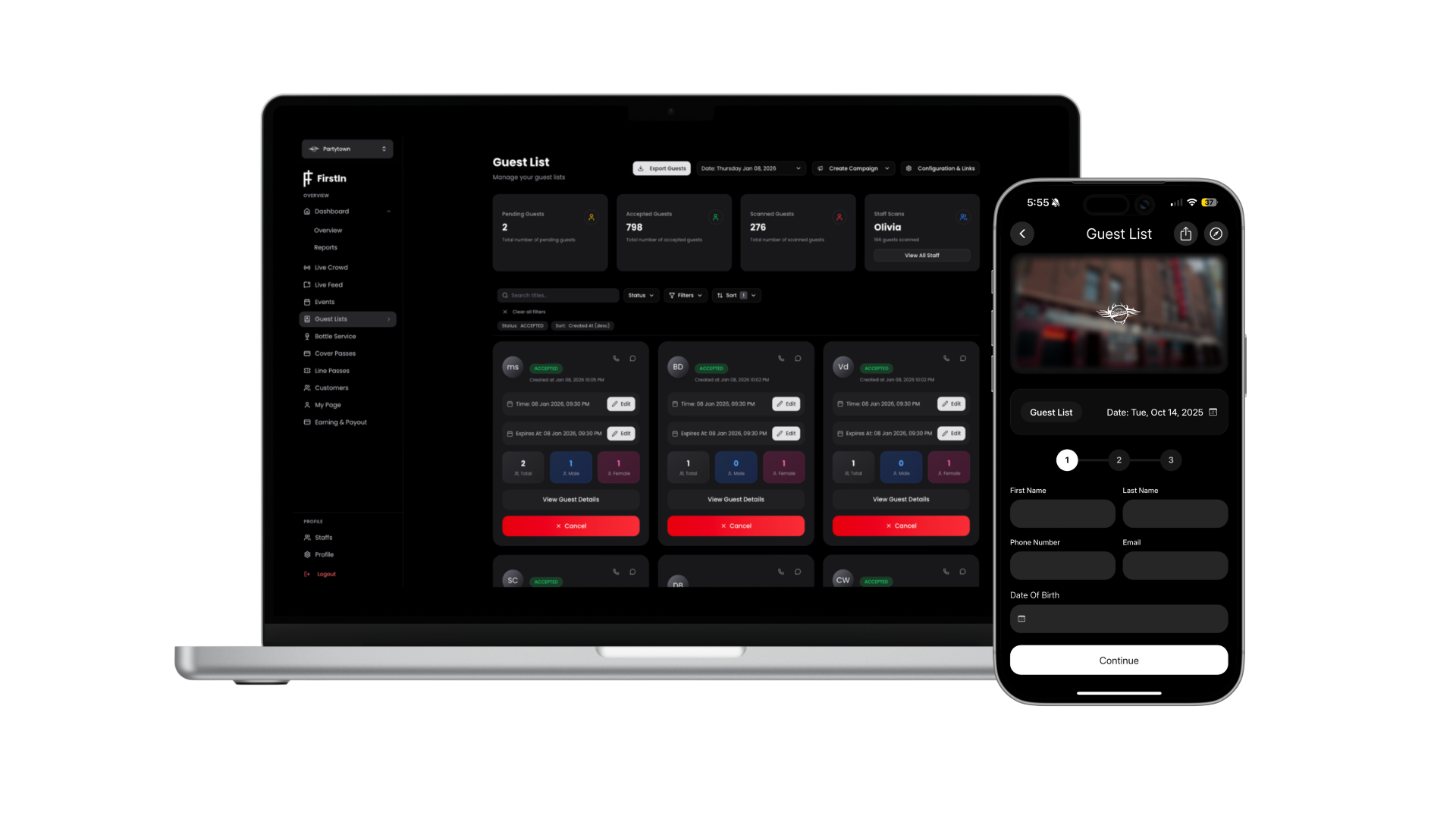
QR Codes
Auto Approvals
Guest Messaging
Exports + CRM
How It Works
Four steps from setup to check-in.
01
Create Your Guest List + Rules
Set up your event, define auto-approval rules, cutoff times, and capacity limits — all from one dashboard.
02
Guests Sign Up & Get a QR Code
Guests RSVP via web or app. Each booking generates a unique QR code — no app download required.
03
Approve & Message Guests
Auto-approve or review manually. Send targeted campaigns to accepted and pending guests.
04
Scan QR at the Door & Export
Door staff scans QR codes for instant check-in. Export your full guest list anytime as CSV.
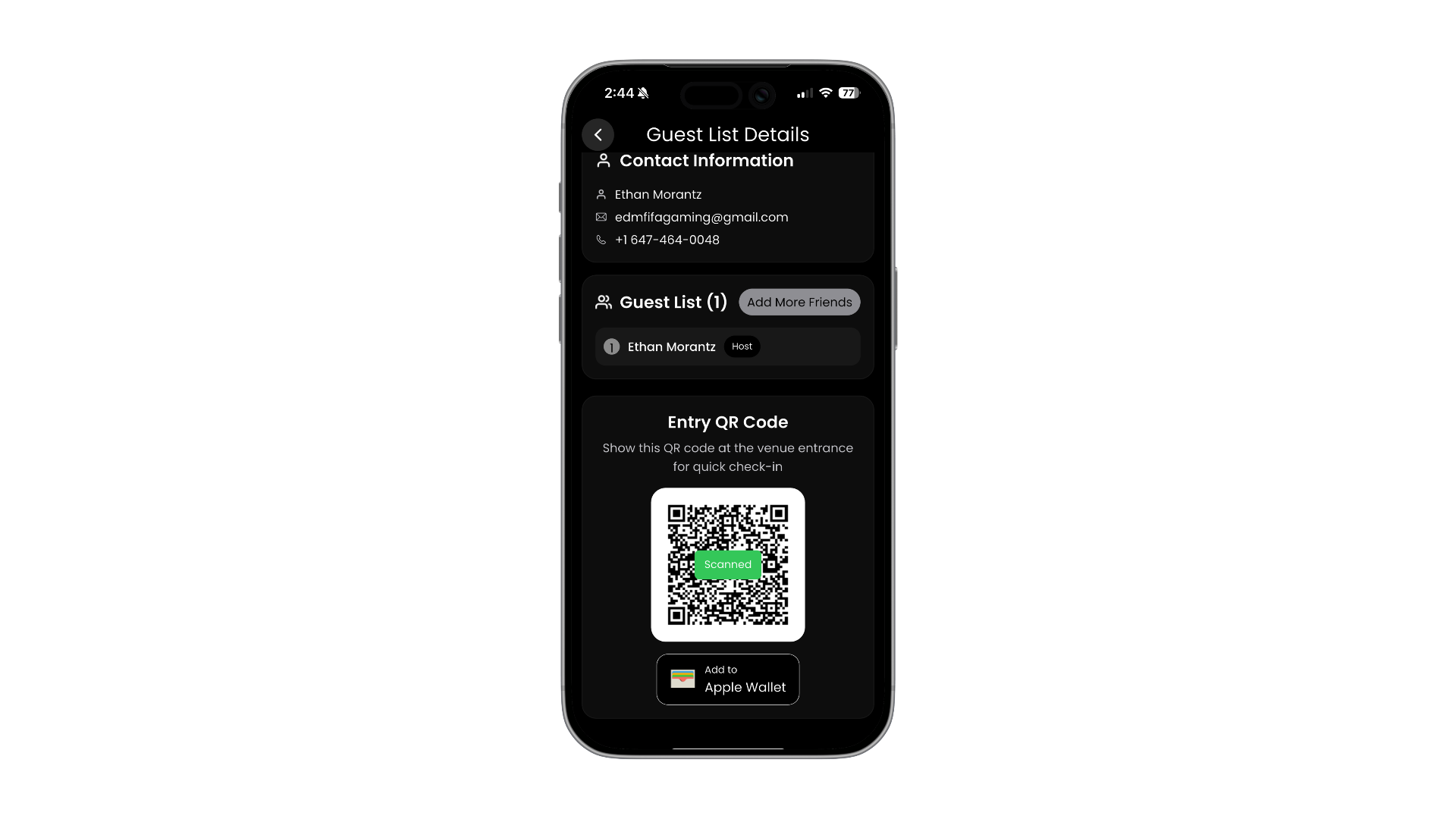
Door-Ready QR Check-In
- Unique QR per booking
- Scan-to-check-in for staff
- Faster lines, fewer disputes
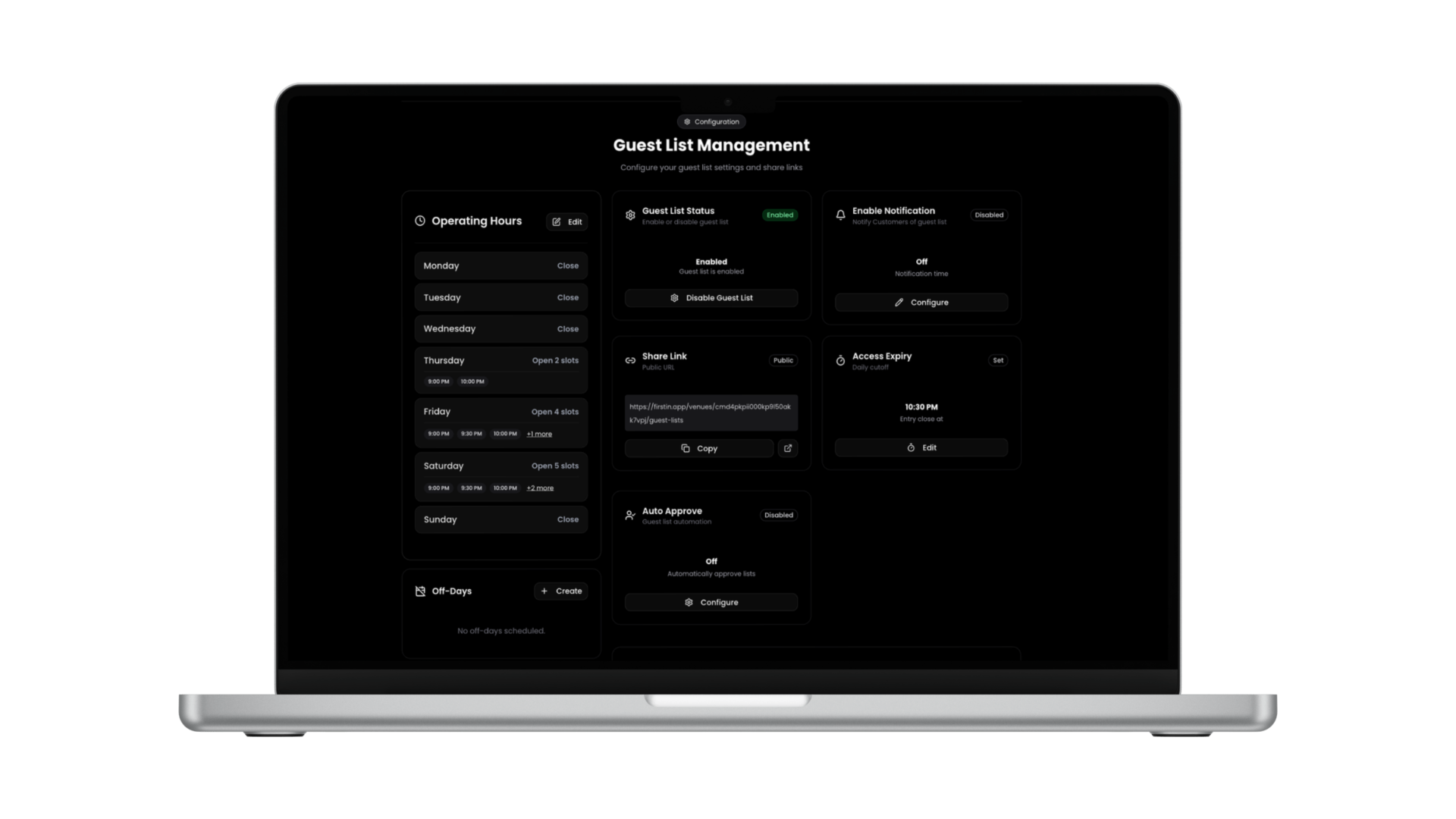
Approvals and Cutoffs That Keep You in Control
- Auto-approval rules with manual override — approve everyone, or review one by one.
- Set a guest list cutoff time. Once it hits, signups close automatically.
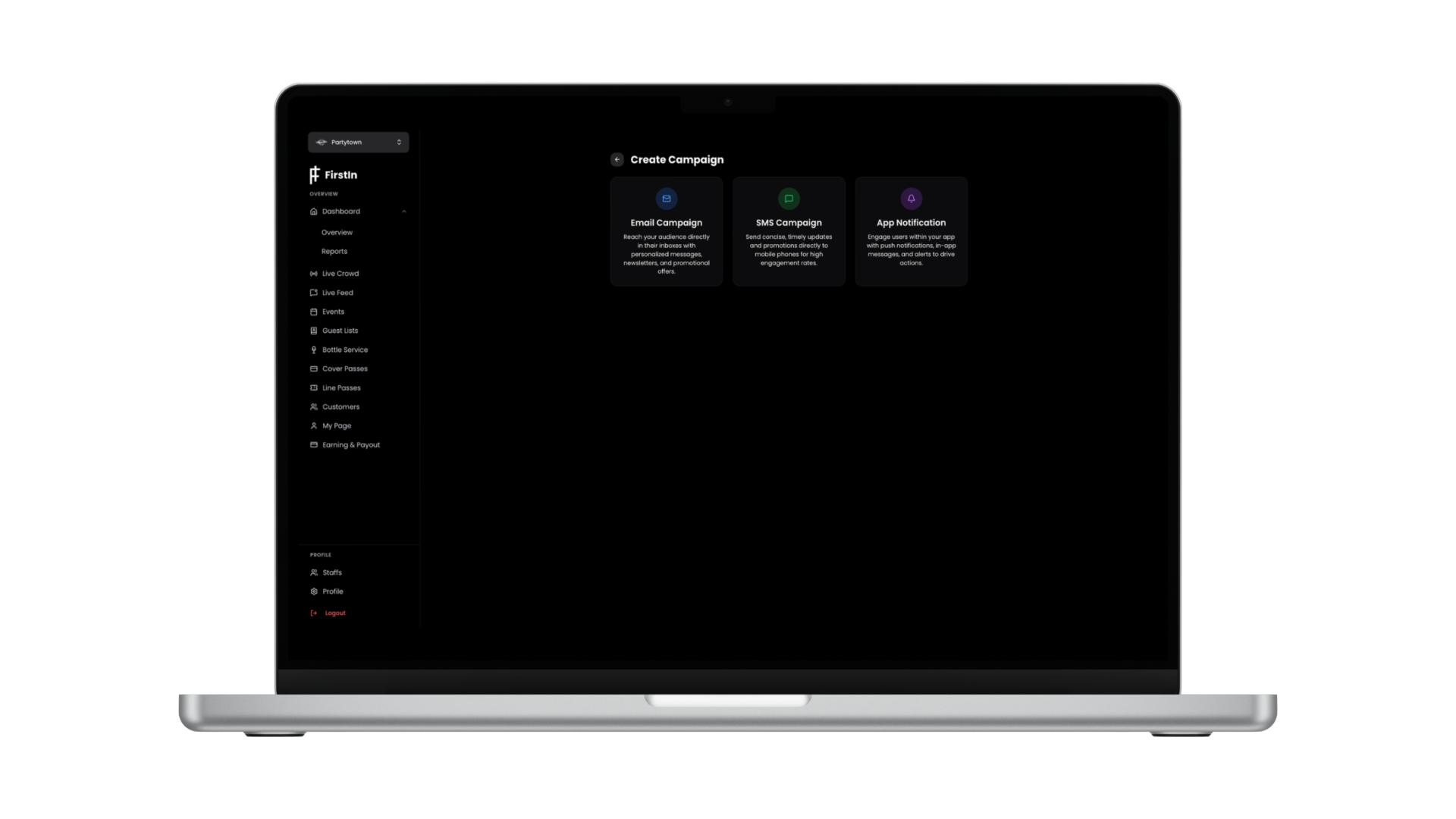
Message Guests Without Chasing Them
- Send campaigns to accepted guests — arrival windows, dress code, parking info.
- Message pending guests — status updates, waitlist movement, last-minute openings.
- Push reminders and last-minute updates without leaving the dashboard.
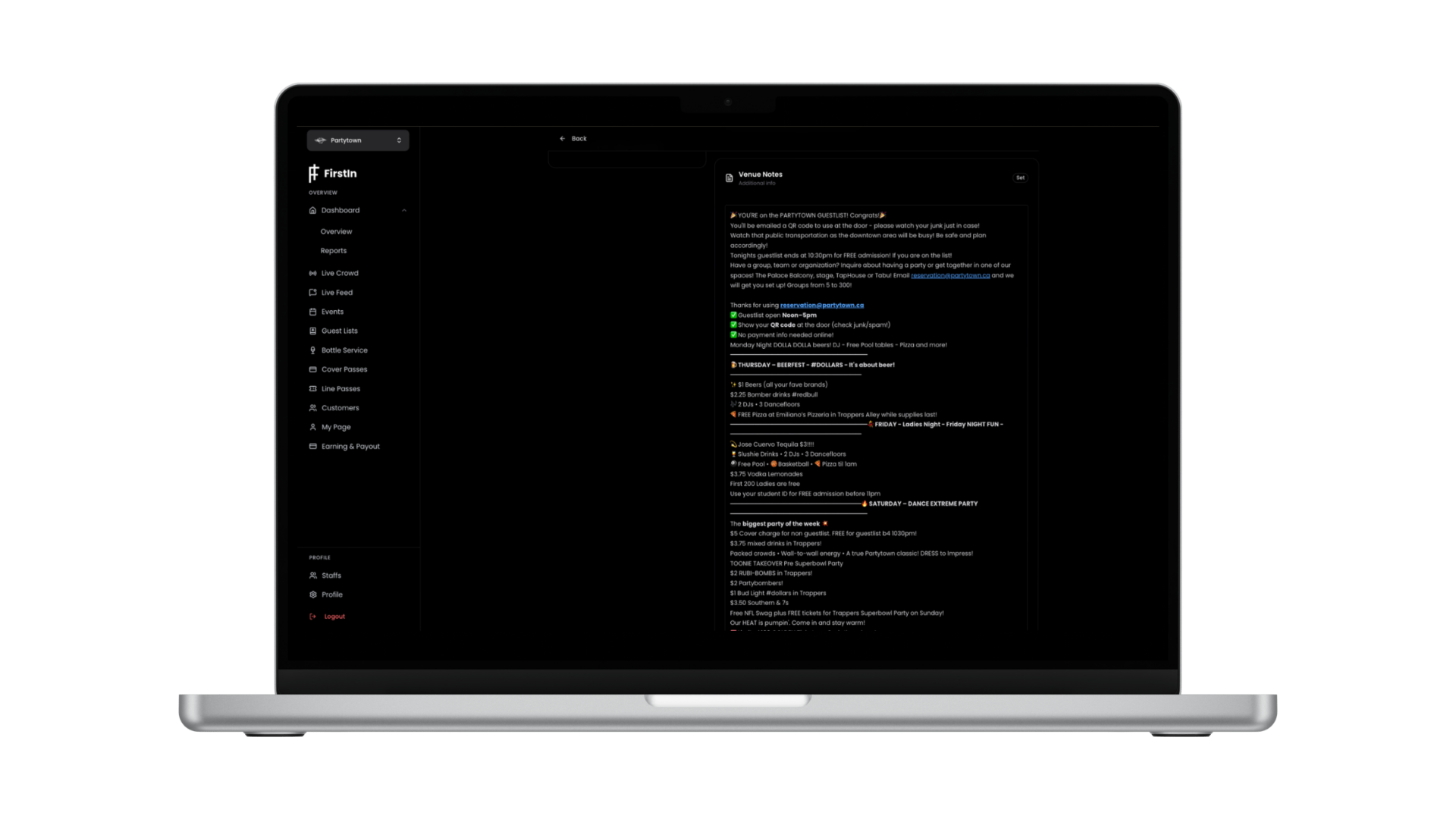
Better Guest Experience, Built In
- Attach custom venue notes to each guest — dress code, arrival instructions, special access info.
- Guests can add friends to their booking so the whole group arrives together.
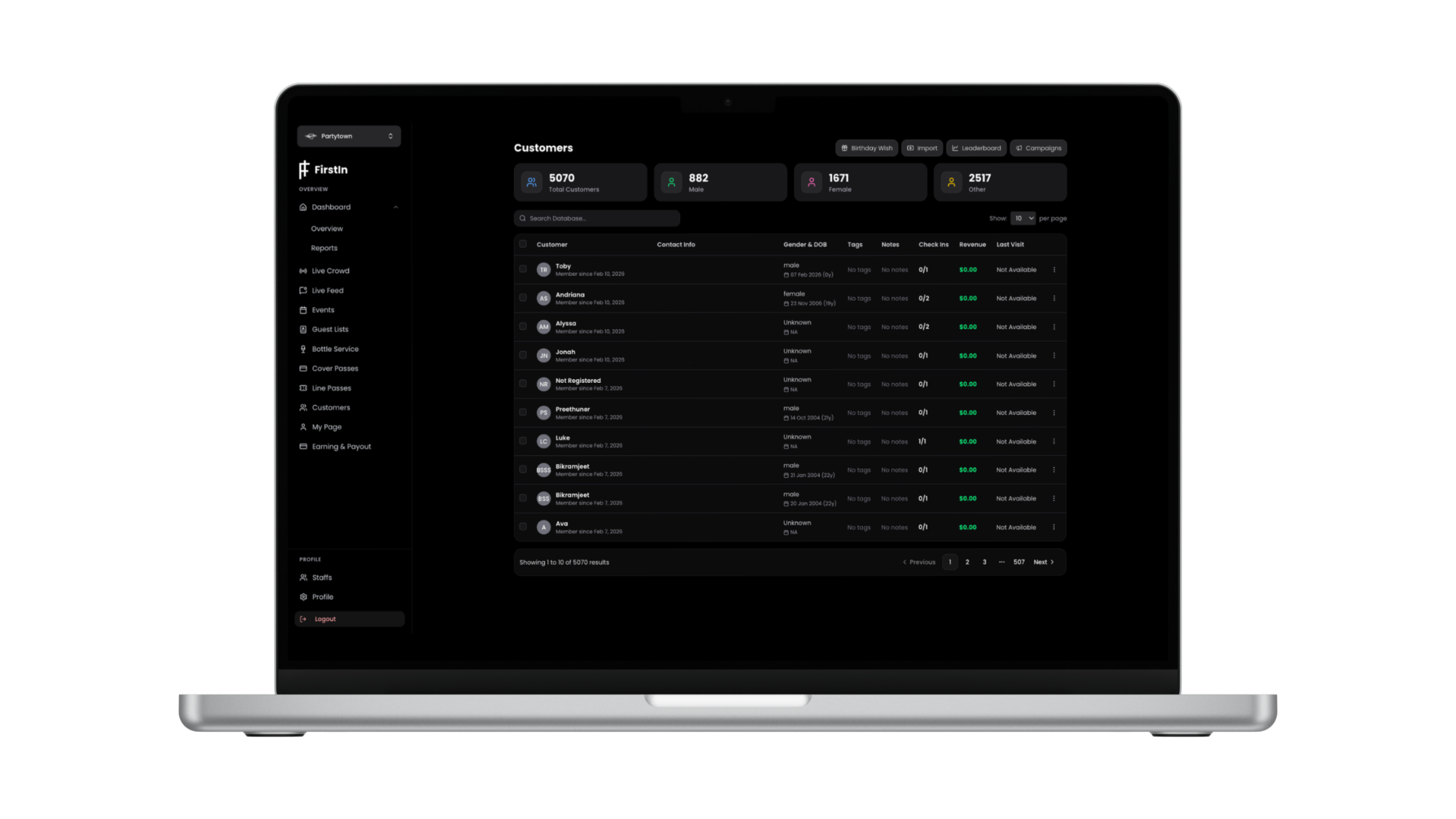
Your Guest List Becomes Your CRM
- Collect guest details at signup for follow-up marketing — with clear consent at every step.
- Filter your list by group size, age, and gender for targeted outreach.
- Export your full guest list anytime as CSV — names, contact info, check-in status, and more.
Works Anywhere Guests Are
Guests sign up on whatever device they have. No download required via web.
iOS
Android
Web — No download required
Frequently Asked Questions
Everything you need to know about Guest List.
Make Guest List Simple Tonight.
Go live in minutes.